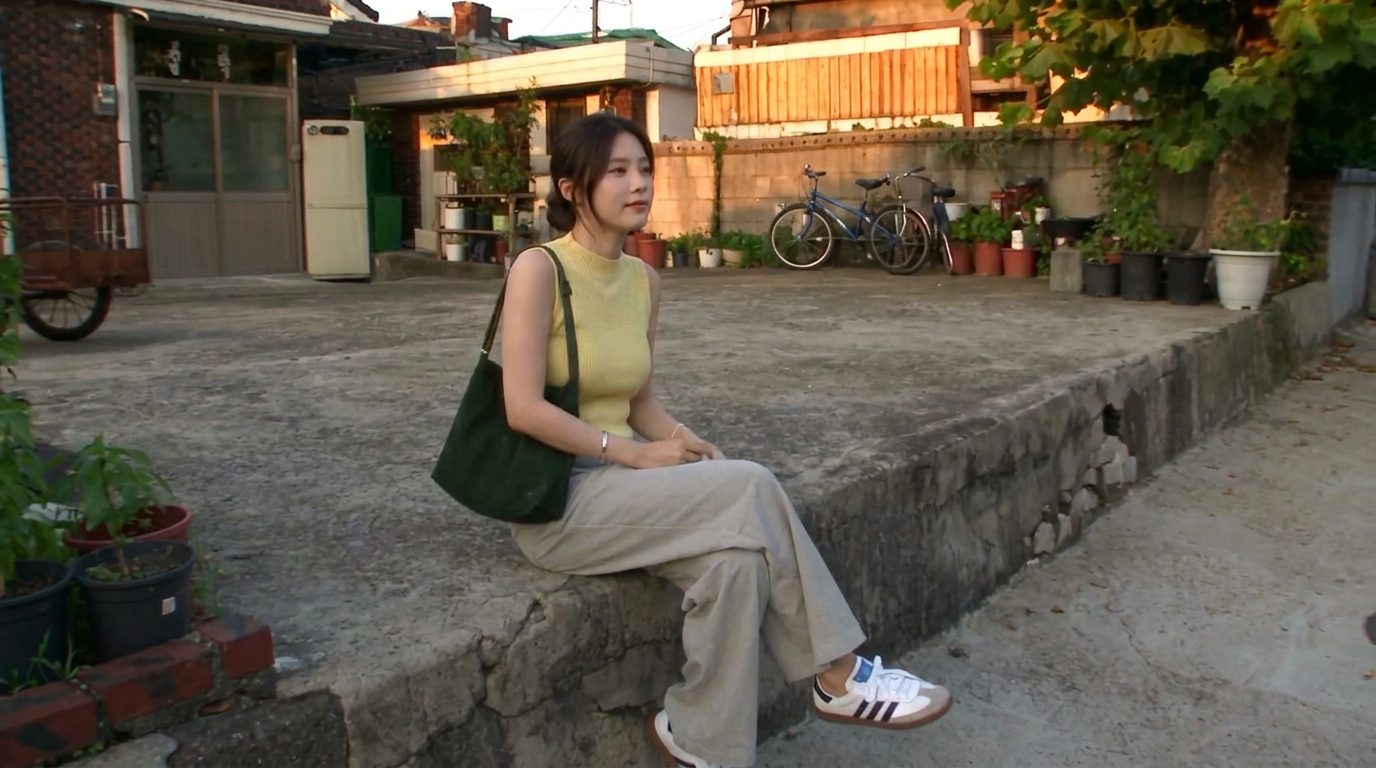
How to write an AI prompt that doesn't look “AI”
Realistic results come from describing a real camera and a real moment — not from the word “realistic.” Lock the subject, name the camera's flaws, script the shot in beats, and say what to avoid.
You can cover most of an AI visual workflow — generate, upscale, remove backgrounds, color-grade, clone a voice, turn a photo into a talking clip — with free or near-free tools. Here they are, grouped by the job you're trying to do.
There's a whole layer of AI tools that feel like they shouldn't be free — and then they are. The problem is never that they don't exist; it's that nobody tells you which one to open for which job. So here's the map, organized by the task in front of you rather than by brand.
A note before the list: skip the affiliate link dumps you see on social. Most of these tools are one search away, and the point is the category — once you know a job can be done for free, you can pick whichever tool is current.
For generating from scratch, you no longer need a paid Midjourney seat to get close to that quality:
Start free here; only pay when a specific tool clearly beats the free ones for your style.
The unglamorous jobs that make everything else look professional:
These three cover 90% of "fix this image" requests and almost all have free tiers.
The models are covered in the AI video models worth knowing. The money-saving part is where you run them:
Don't buy an annual plan to find out a tool isn't for you. Test on free credits first.
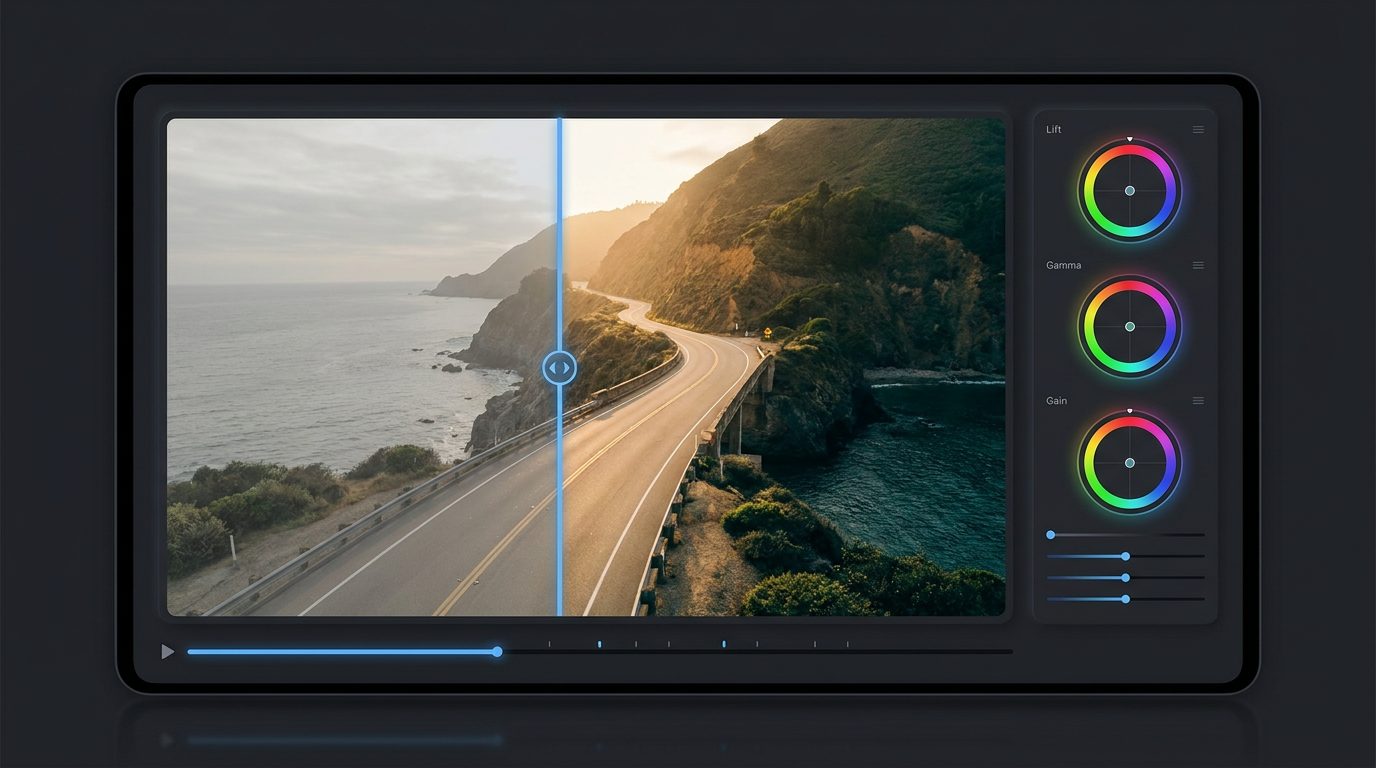
This is the underrated one. A free LUT generator lets you build a cinematic color look — adjust the color wheels and curves — then export it as a .cube file you drop into DaVinci Resolve, Premiere or CapCut and apply to any clip. Some give you dozens of ready-made looks on top. No install, no sign-up, no watermark on several of them.
A consistent color grade is one of the biggest "this looks pro" upgrades, and it costs nothing.
These have obvious misuse potential, so the rule is simple: clone and animate voices and faces you have the right to use — yours, or ones you have permission for.
A lot of these get shared with breathless "this shouldn't be legal" captions. They're legal. What people are reacting to is that capability which used to sit behind expensive software is now free and open in a browser. The real risk isn't the tools — it's what you make with them. Clone your own voice, not someone else's. Erase a lamppost, not a copyright notice. Same tools, your call.
.cubeYou can run most of a visual workflow this way for close to nothing. The paid tools are worth it when a specific one clearly wins for your work — but start free, and start with the job, not the brand.
Several free, near-unlimited generators now produce quality in the Midjourney range for everyday use, and real-time generators let you steer the image as you type or sketch. Start with a free one and only pay when a specific tool clearly beats it for your style.
Use a free AI upscaler: it enlarges a small or soft image and fills in detail automatically. The free tiers are good enough for most web and social use; you rarely need a paid upscaler unless you're printing large.
Run the model through a pay-as-you-go hub rather than a subscription, compare hubs because the same model can cost two to three times more on one than another, and use free starter credits to test before buying. Cheaper Fast and Mini tiers trade some quality for price.
Yes. A free LUT generator lets you build a color look and export it as a .cube file you load into DaVinci Resolve, Premiere or CapCut and apply to any clip. Many need no install, sign-up or watermark.
The tools themselves are legal — they're free, browser-based versions of capability that used to be expensive. The responsibility is in what you make: clone voices and animate faces you have the right to use, and don't erase copyright notices or impersonate people.
Realistic results come from describing a real camera and a real moment — not from the word “realistic.” Lock the subject, name the camera's flaws, script the shot in beats, and say what to avoid.
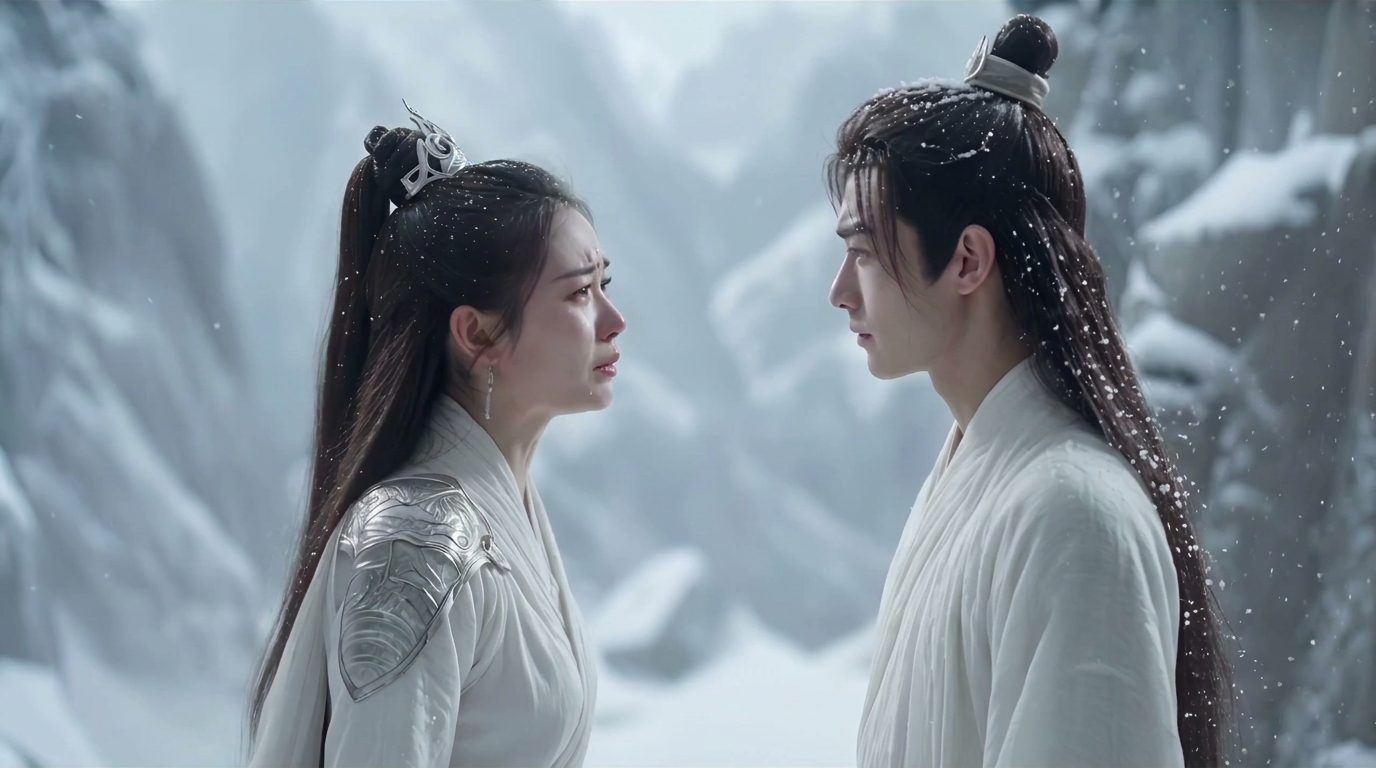
There's no single best AI video model — there's a best one for the shot. Here are the eight creators actually reach for (Veo, Sora, Kling, Runway, Hailuo, Seedance, Vidu, FLUX 3), what each is good at, and why the same model can cost 2–3× more depending on where you run it.
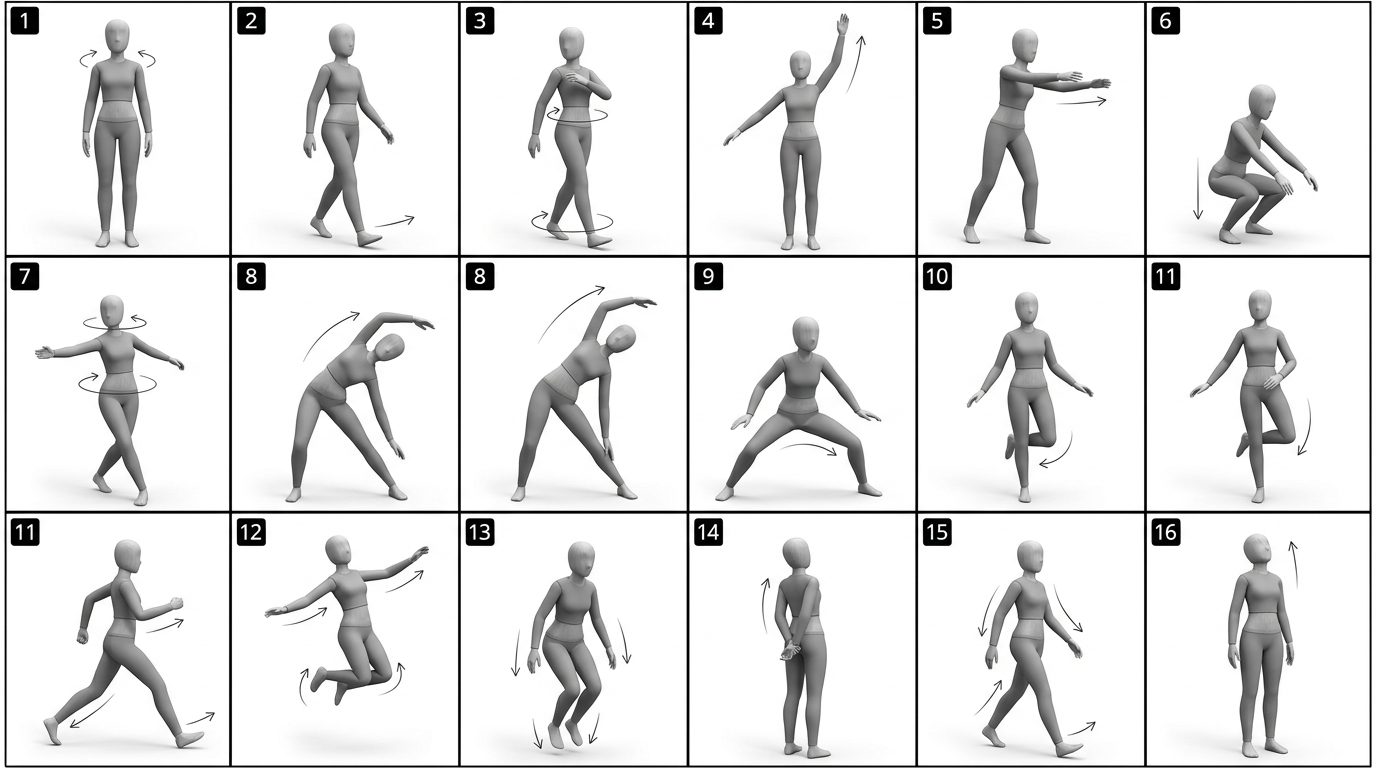
Character consistency comes from giving the model a reference it can't drift from — a reference image, a pose sheet, or a depth map of a real clip — and letting a video model regenerate the identity instead of copying pixels.