Realistic results come from describing a real camera and a real moment — not from the word “realistic.” Lock the subject, name the camera's flaws, script the shot in beats, and say what to avoid.
FramePeek··3 min read
Ask most people for a "realistic" AI video and they type the word realistic ten times and hope. It doesn't work, because the model already thinks its glossy, well-lit, perfectly-framed output is realistic. The fix isn't a magic word. It's describing a real camera pointed at a real moment, with all the small flaws that real footage has.
Here's the way prompts have quietly gotten good.
Why most AI shots still look "AI"
The giveaway is almost never the subject. It's the production. AI defaults to clean: even lighting, smooth motion, dead-center framing, colors that pop a little too much. Real footage is messier — and your eye reads that mess as "this actually happened."
So the first move is to stop prompting a look and start prompting a device.
Describe a camera, not a style
List the physical behavior of the camera you're pretending to hold. These are the lines that do the heavy lifting:
Handheld shake, imperfect framing, the occasional accidental zoom
Autofocus hunting — the lens searching for a beat before it locks
Exposure shifts as the subject moves between shade and light
Faded colors, mild noise, soft digital detail (name the era: "early-2000s consumer camcorder," "disposable film," "first-gen phone")
No stabilization, no gimbal, no drone, no "cinematic" sweep
A short example of the camera block, in your own words:
That one paragraph does more for realism than any amount of "8k ultra-detailed masterpiece."
Lock the subject so it stays one person
Video models happily turn your character into a slightly different person every few seconds. You prevent that by pinning identity explicitly and then telling the model to hold it:
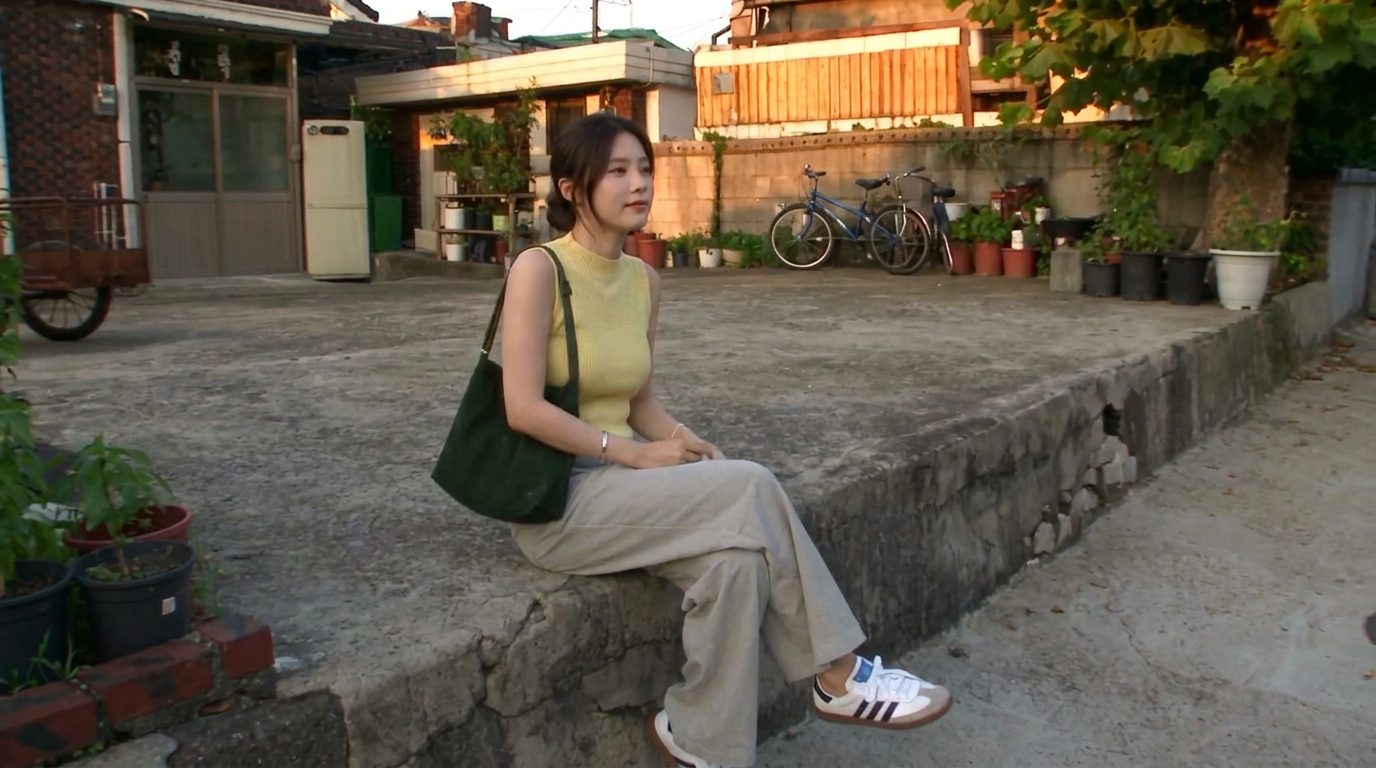
Age range, hair (color, length, how it's tied), skin, build
The full outfit, top to shoes, plus one or two props (a bag, a bracelet)
Then the instruction: keep face, hair, outfit, proportions and accessories perfectly consistent
The more specific the description, the less room the model has to drift. (For harder cases — same face across many shots — there are reference images and pose sheets, covered in Keep the same face across every shot.)
Script the shot in beats
A single run-on sentence gives the model one blurry instruction. A timeline gives it a plan. Break the clip into five-second beats and say what happens in each:
00:00-00:05  Leaves home, locks the door, glances at the camera, walks off.
00:05-00:10  Buys fruit from a tiny shop, reacts to the sour taste, laughs.
00:10-00:15  A small dog notices her; she crouches to let it sniff her hand.
...
Beats also fix pacing. Without them the model crams everything into the first two seconds and stalls. With them, the action breathes.
Say what to avoid
A negative prompt is just a list of the failures you already know this model makes. Front-load it:
extra fingers, broken hands, distorted or morphing faces
added music or narration when you want natural sound only
You're not insulting the model. You're closing the exits it tends to take.
The fastest way to improve a prompt
You don't have to write the perfect prompt from a blank page. Take an image you like, paste it alongside your rough prompt, and ask the model to rewrite the prompt so it matches the image. It will name details you'd never think to — the quality of the light, the lens feel, the mood — and hand them back as prompt text you can reuse.
This is how a lot of the "national-treasure prompts" making the rounds were built: not typed from scratch, but reverse-engineered from a frame someone already loved.
Put it together
A prompt that doesn't look AI usually has five parts, in this order: a subject lock, a setting, a camera block full of real-world flaws, a beat-by-beat timeline, and a negative list. Write those five and you're most of the way there — the model fills in the rest, and for once it fills it in the way you meant.
Frequently asked questions
Does adding “ultra-realistic, 8k, masterpiece” make AI images look real?
Not much. Those words push the model toward a glossy, over-produced look, which is the opposite of real footage. You get realism by describing a specific camera and its flaws — handheld shake, autofocus hunting, faded color, mild noise — not by stacking quality adjectives.
Why does my AI character's face keep changing between shots?
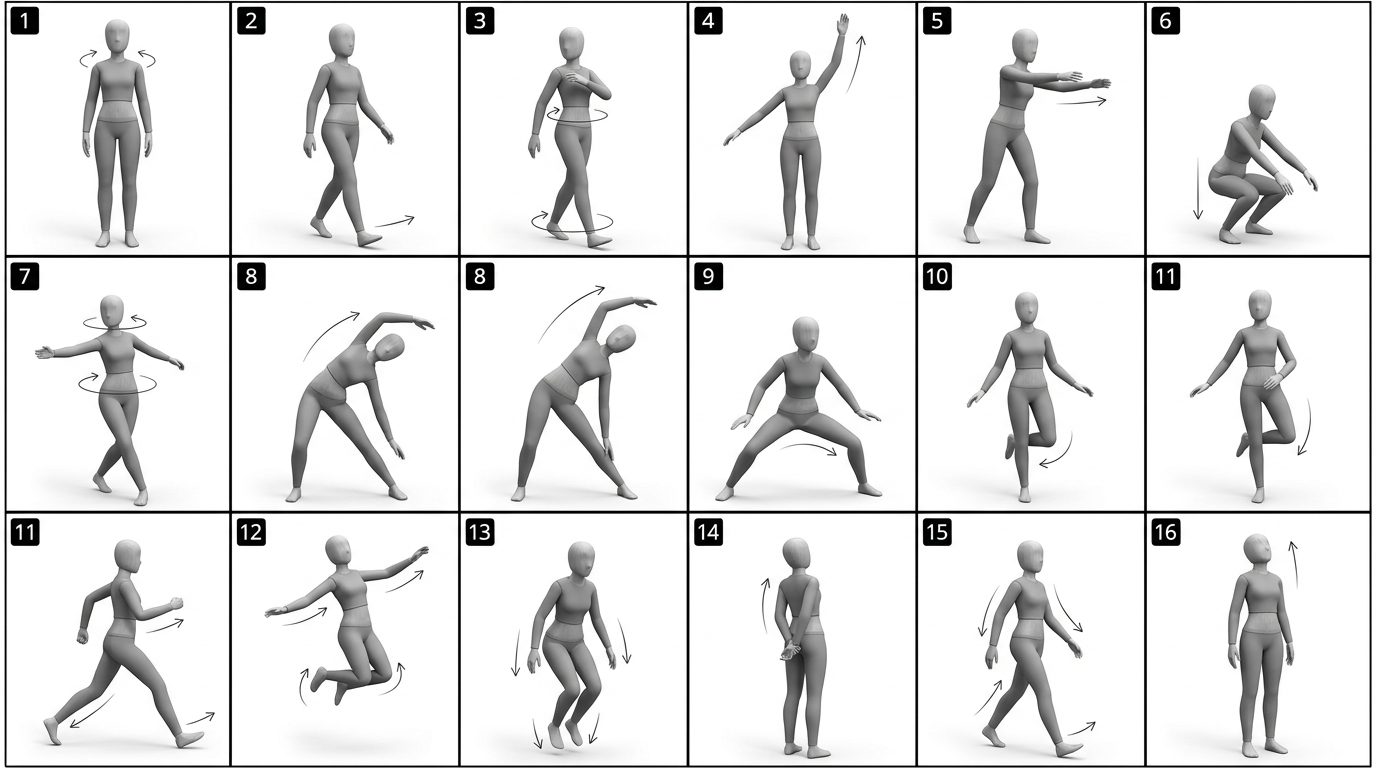
The model reinvents the person on each generation unless you pin it. Describe the face, hair, outfit and props in detail and tell the model to keep them perfectly consistent; for the same face across many shots, use a reference image or a pose sheet.
How long should an AI video prompt be?
Long enough to cover five parts: subject lock, setting, camera behavior, a beat-by-beat timeline, and a negative list. A good clip prompt is usually a few short paragraphs — structure matters far more than length.
What is a negative prompt?
A negative prompt lists what you don't want — extra fingers, morphing faces, on-screen text, added music. It tells the model which common failures to avoid, and front-loading it noticeably cleans up results.
What's the quickest way to get a better prompt?
Paste an image you like next to your draft prompt and ask the model to rewrite the prompt to match that image. It surfaces details — lighting, lens feel, mood — you wouldn't have named yourself.
There's no single best AI video model — there's a best one for the shot. Here are the eight creators actually reach for (Veo, Sora, Kling, Runway, Hailuo, Seedance, Vidu, FLUX 3), what each is good at, and why the same model can cost 2–3× more depending on where you run it.
Character consistency comes from giving the model a reference it can't drift from — a reference image, a pose sheet, or a depth map of a real clip — and letting a video model regenerate the identity instead of copying pixels.
You can cover most of an AI visual workflow — generate, upscale, remove backgrounds, color-grade, clone a voice, turn a photo into a talking clip — with free or near-free tools. Here they are, grouped by the job you're trying to do.