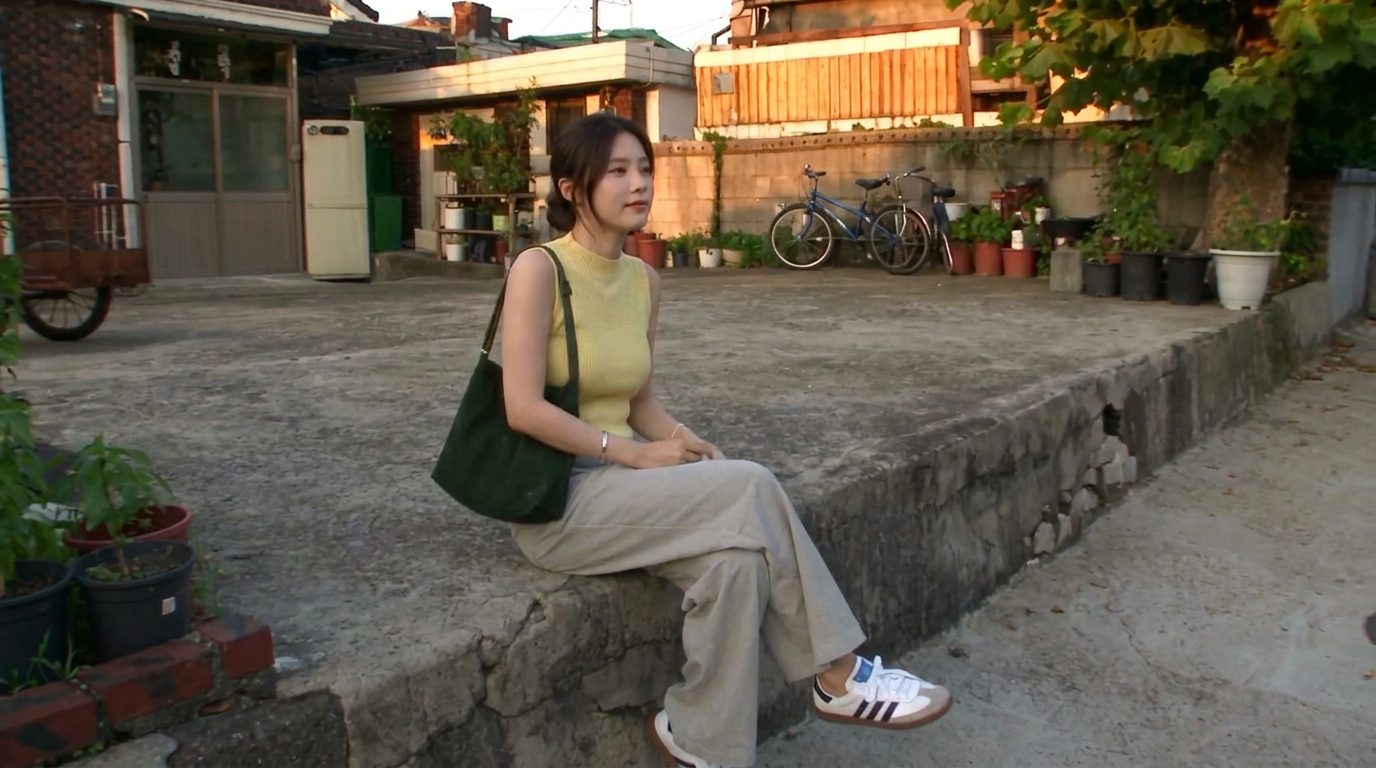
How to write an AI prompt that doesn't look “AI”
Realistic results come from describing a real camera and a real moment — not from the word “realistic.” Lock the subject, name the camera's flaws, script the shot in beats, and say what to avoid.
Character consistency comes from giving the model a reference it can't drift from — a reference image, a pose sheet, or a depth map of a real clip — and letting a video model regenerate the identity instead of copying pixels.
The single most common complaint about AI video is this: the character looks right in shot one, slightly off in shot two, and like their cousin by shot three. Faces drift. The good news is that keeping a character consistent is a solved problem now — it just isn't a prompt problem. It's a reference problem.
Left to a text prompt alone, the model reinvents your character on every generation. "A young woman with dark hair" describes a million people, and you get a different one each time. To hold a face steady, you have to hand the model something fixed to anchor to — not a better sentence, but a picture.
There are three references that work, from simplest to most powerful.
The baseline: feed the model a single clear image of your character and tell it that this person, this outfit, these props appear in the output. Most image and video tools now accept a reference image directly. This alone fixes most casual drift — same face, same clothes, new scene.
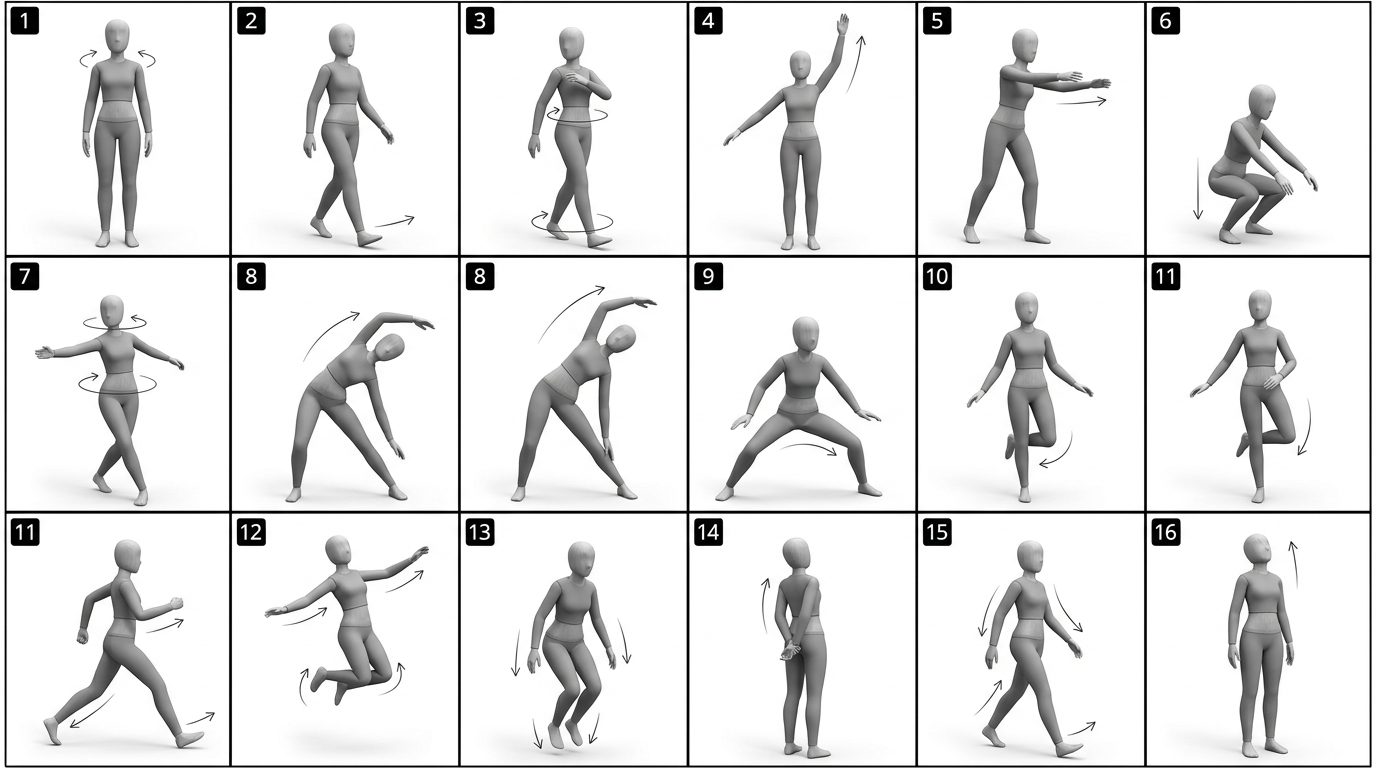
For animation and dance, one still isn't enough — you need to control how the character moves. The trick making the rounds: generate a pose sheet first.
Because every panel is the same character, the motion stays on-model from the first frame to the last. Creators have used exactly this — a sixteen-panel sheet from an image model, animated by a video model — to produce clean dance clips that hold identity the whole way through.
The most precise option: take a real video whose motion you want, extract its depth map (a grey, shape-only version of the footage), and use that as the motion reference. Then:
So you can take a fifteen-second clip you like, keep its exact movement, and swap in your own character dancing it. It's how people make endless "cover" videos without reusing anyone's actual footage — the motion is borrowed as shape, the person is yours.
Here's the subtle part the pros figured out. When you hand a model a razor-sharp close-up of a face to copy, it often tries to copy the pixels — and in video that can come out low-resolution or stiff, because the face gets locked to a small patch of the reference.
The better mental model: give the video model enough to recognize the identity, then let it re-render the face fresh each frame. Some creators deliberately keep the reference face loose — recognizable but not pixel-perfect — so the model rebuilds a clean, full-resolution face that still reads as the same person. You're preserving who it is, not stamping down exact pixels.
One more move worth knowing. Video models are built to keep a face stable while things move — that's their whole job. So some people run a video model to edit a still image: generate a tiny clip, keep the face locked, change the outfit or background, and pull the single best frame back out as a picture. It's a roundabout way to edit an image without the face turning into someone else — and it works because holding identity through motion is exactly what these models are good at.
Stop trying to word your way to a consistent character. Pick a reference: an image for casual consistency, a pose sheet for controlled motion, a depth map for exact choreography. Give the model enough to know who it is, and let it re-render. The face stops drifting the moment you give it something to hold onto.
Give the model a fixed reference to anchor to, not just a better prompt. A single clear reference image fixes most casual drift; a pose sheet or a depth map handles motion. Then let the video model re-render the identity rather than copy exact pixels.
It's a grid of the same character in a numbered sequence of poses, generated by an image model on a plain background. You feed it to a video model and tell it to animate the panels in order, which keeps the character on-model through the whole motion.
A depth map is a shape-only, grey version of a real clip. Used as a motion reference, it drives choreography, timing and framing one to one, while your reference image supplies who's in the shot — so you can keep a clip's exact movement but swap in your own character.
Because the model is copying pixels from a small, sharp patch of your reference instead of re-rendering the face. Give it enough to recognize the identity but let it rebuild the face fresh each frame; some creators keep the reference deliberately loose for this reason.
Yes. Video models are good at holding a face steady through motion, so you can generate a short clip that changes an outfit or background while keeping the face locked, then pull the best single frame back out as an image.
Realistic results come from describing a real camera and a real moment — not from the word “realistic.” Lock the subject, name the camera's flaws, script the shot in beats, and say what to avoid.
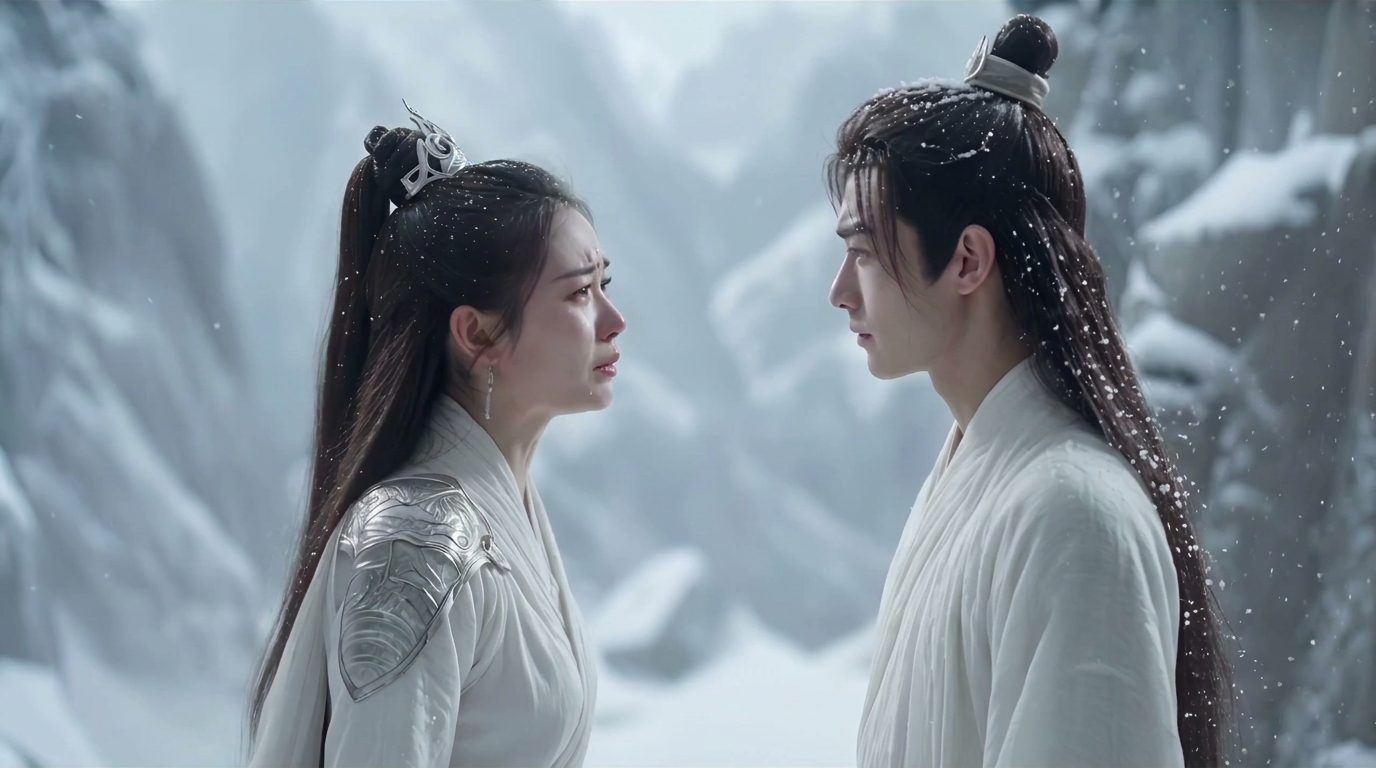
There's no single best AI video model — there's a best one for the shot. Here are the eight creators actually reach for (Veo, Sora, Kling, Runway, Hailuo, Seedance, Vidu, FLUX 3), what each is good at, and why the same model can cost 2–3× more depending on where you run it.
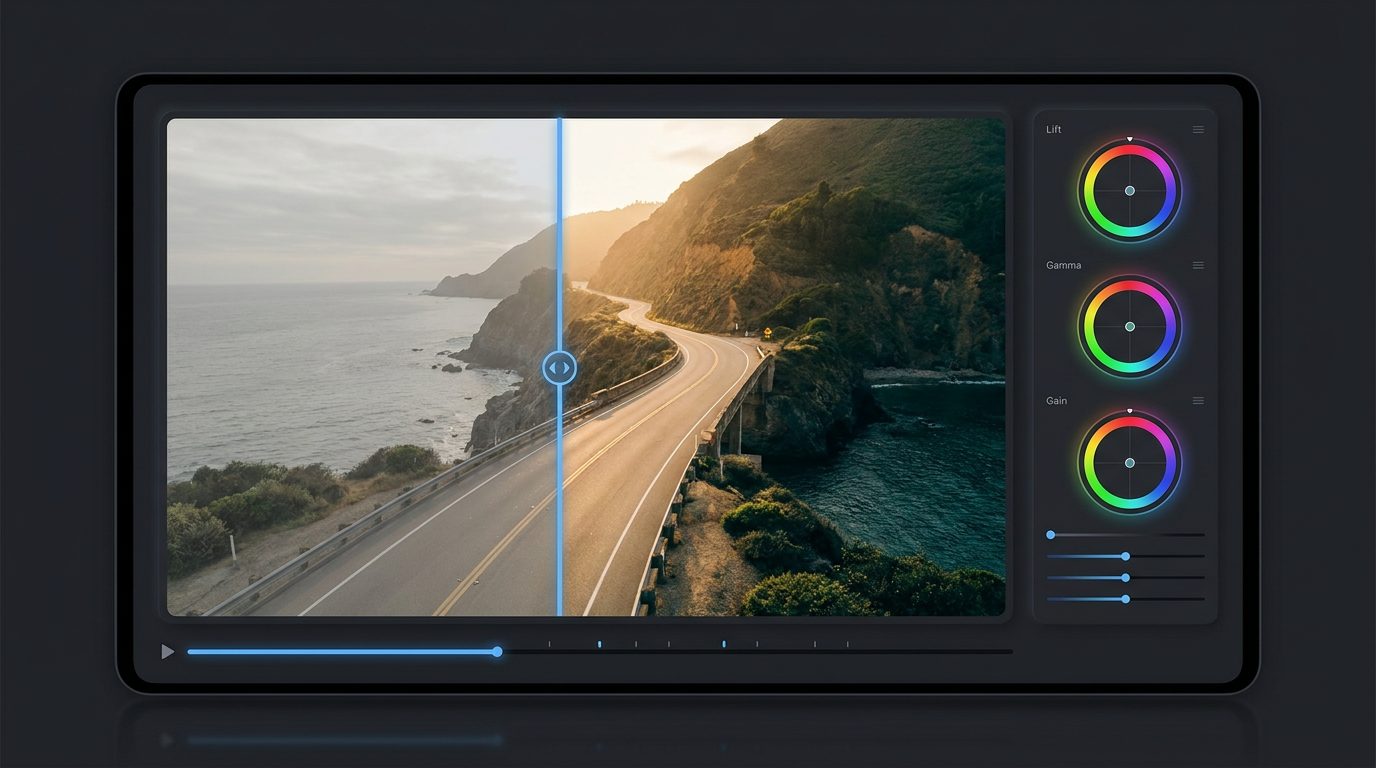
You can cover most of an AI visual workflow — generate, upscale, remove backgrounds, color-grade, clone a voice, turn a photo into a talking clip — with free or near-free tools. Here they are, grouped by the job you're trying to do.