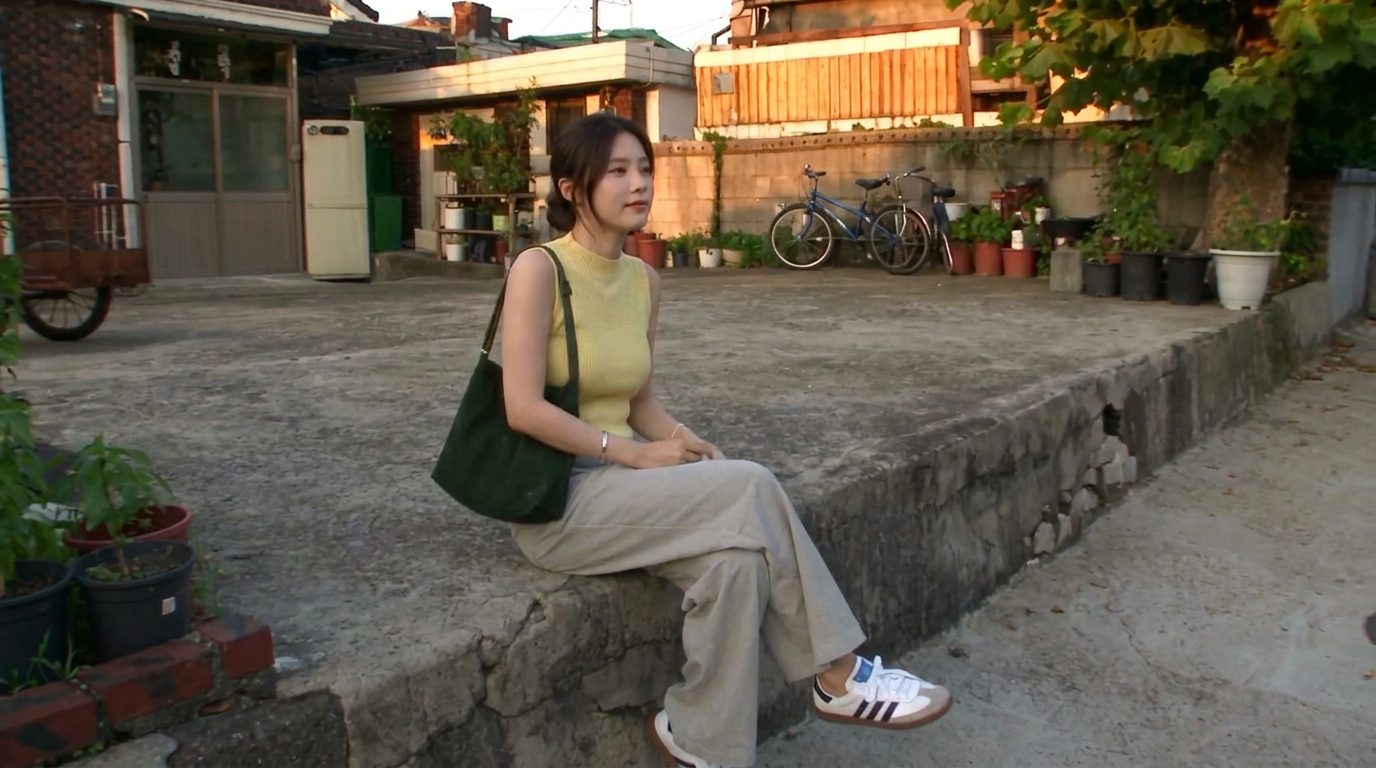
How to write an AI prompt that doesn't look “AI”
Realistic results come from describing a real camera and a real moment — not from the word “realistic.” Lock the subject, name the camera's flaws, script the shot in beats, and say what to avoid.
There's no single best AI video model — there's a best one for the shot. Here are the eight creators actually reach for (Veo, Sora, Kling, Runway, Hailuo, Seedance, Vidu, FLUX 3), what each is good at, and why the same model can cost 2–3× more depending on where you run it.
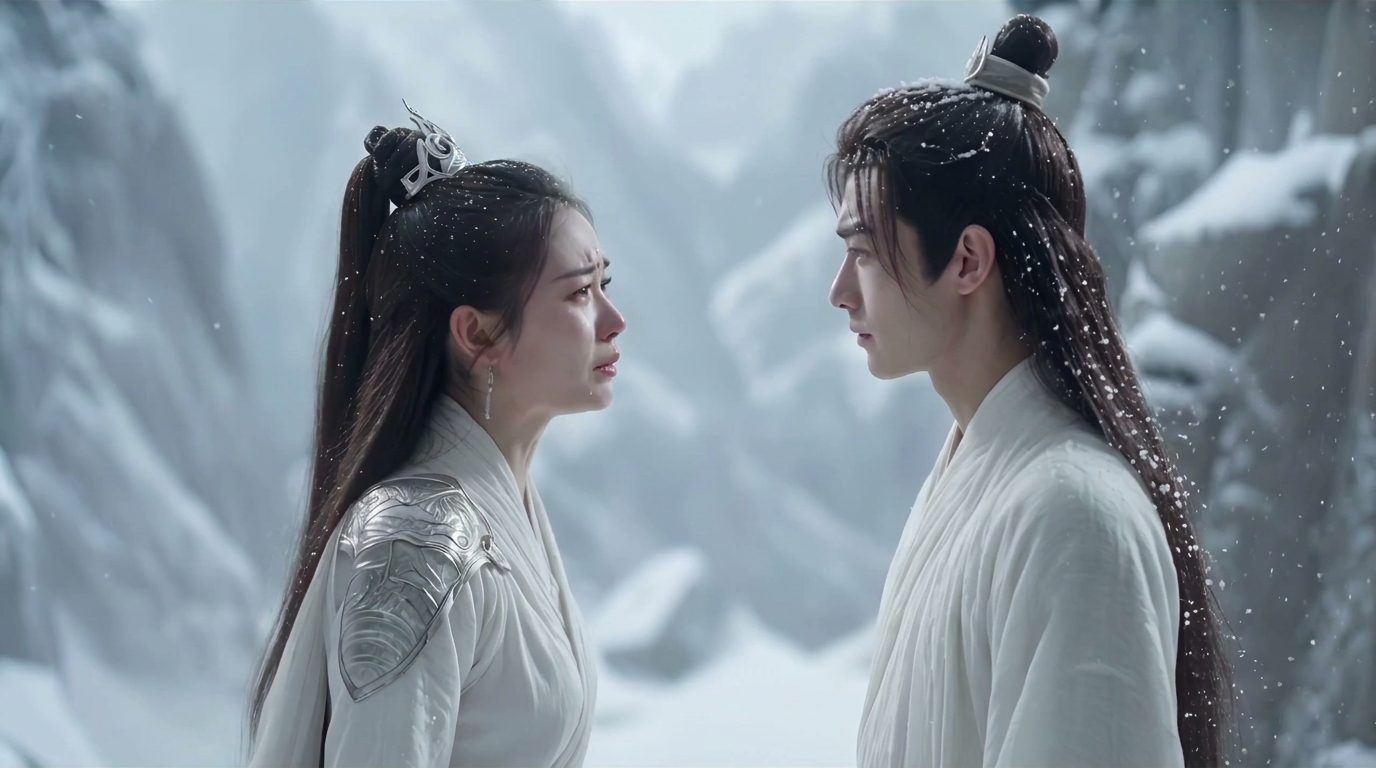
If you ask "what's the best AI video model," you'll get ten confident, contradictory answers. That's because the honest answer is: it depends on the shot. A talking close-up, a dance cover, a sweeping landscape, and a product ad all reward different models. Here's the short list that actually matters, and how to pick without burning credits.
Benchmarks and demo reels sell the idea of a single champion. In practice, people who ship a lot of video keep three or four models on hand and switch based on the job — realism, motion, character consistency, or price. Treat the list below as a toolbox, not a leaderboard.
You don't need all of them. You need to know which two or three fit the work you actually make.
Here's the part that trips people up: most of these models are reached through hubs — sites that host many models behind one account. Pollo, Dreamina, WaveSpeed, Higgsfield, OpenArt and fal are common ones. The catch is that the same model can cost two to three times more on one hub than another.
A quick read on who each hub suits:
Same model, very different bill. Always check where you're running it.
The model name matters less than people think. In order of impact:
Switching models to fix a bad prompt is the most common way to waste credits.
The creators who spend the least aren't the ones who found the one true model. They're the ones who tested two cheaply, looked at both, and chose.
There isn't a single best one — there's a best model for the shot. Veo and Sora lead on realism and scene imagination, Kling on human motion, Hailuo on holding a face, and Seedance on speed and price. Most creators keep a few on hand and switch by job.
They're good at different things. Sora tends to win on imaginative scenes and camera moves; Veo tends to win on stable, grounded realism and natural motion. For believable everyday footage, Veo is a safe default; for a dreamlike scene, try Sora.
Most models are reached through hubs that each set their own pricing, so the same model can cost two to three times more depending on where you run it. Compare a few hubs before you commit, and watch for per-clip versus per-second billing.
No. Many hubs are pay-as-you-go, billed by the clip or by the second, and most offer free starter credits. Test on free or minimum spend before buying any annual plan.
Reference-to-video lets you feed the model an image, clip or character as a reference so the output matches it — useful for keeping a character or style consistent across a story. Vidu is one model built around this.
Realistic results come from describing a real camera and a real moment — not from the word “realistic.” Lock the subject, name the camera's flaws, script the shot in beats, and say what to avoid.
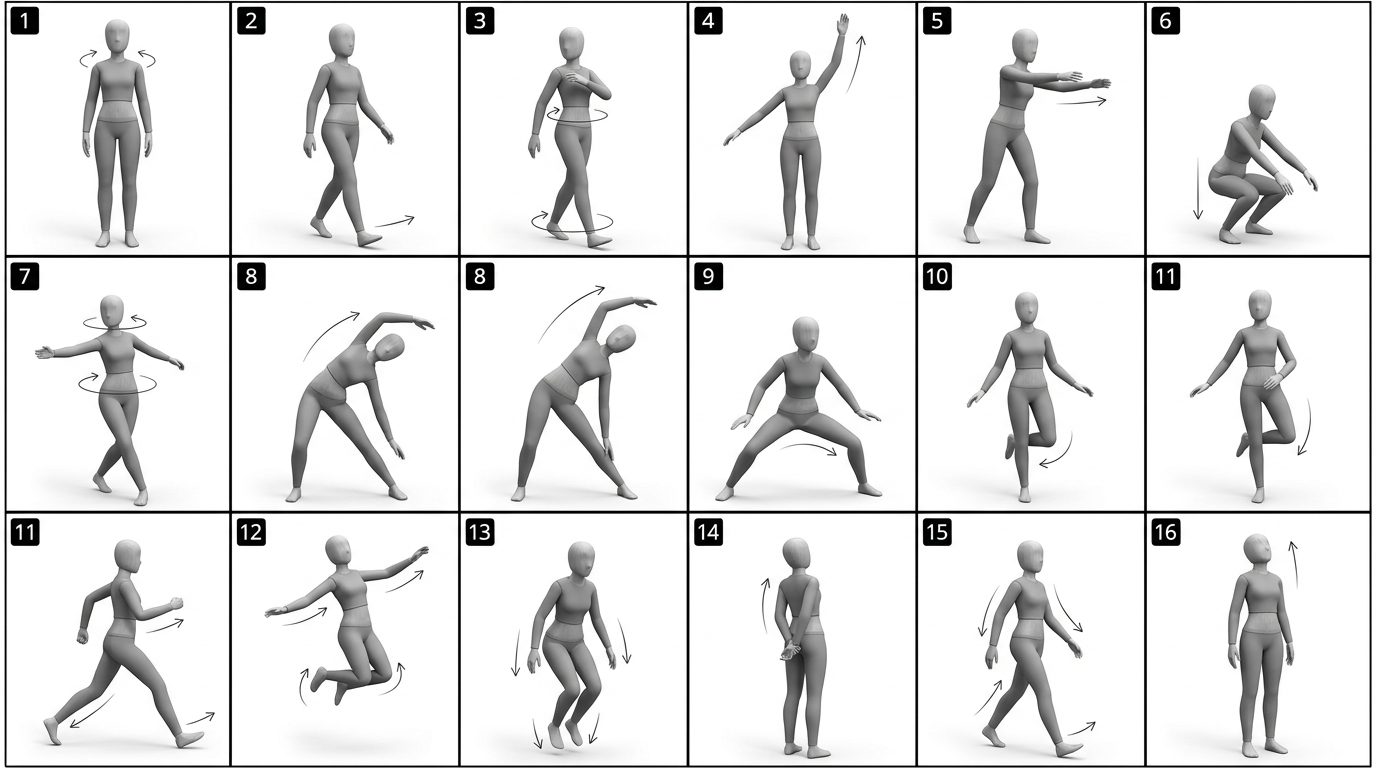
Character consistency comes from giving the model a reference it can't drift from — a reference image, a pose sheet, or a depth map of a real clip — and letting a video model regenerate the identity instead of copying pixels.
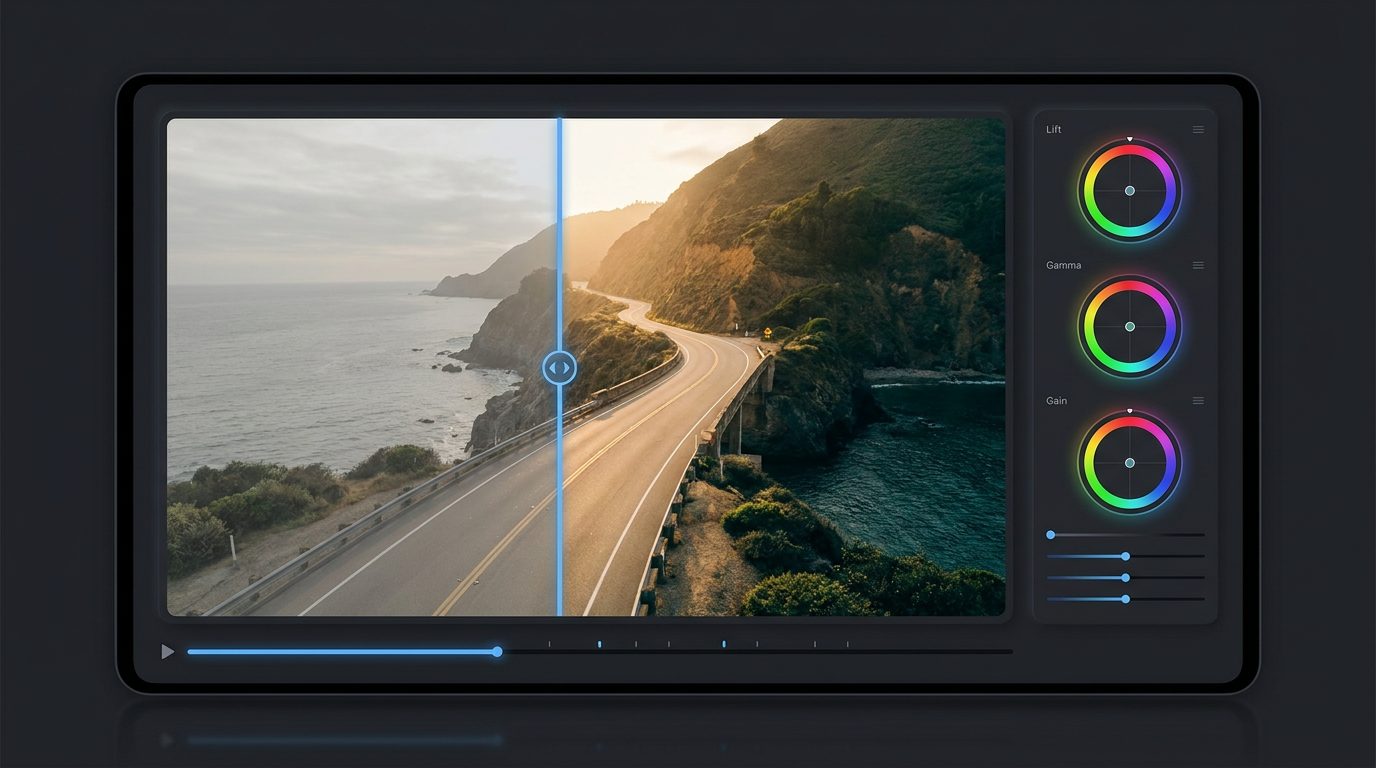
You can cover most of an AI visual workflow — generate, upscale, remove backgrounds, color-grade, clone a voice, turn a photo into a talking clip — with free or near-free tools. Here they are, grouped by the job you're trying to do.