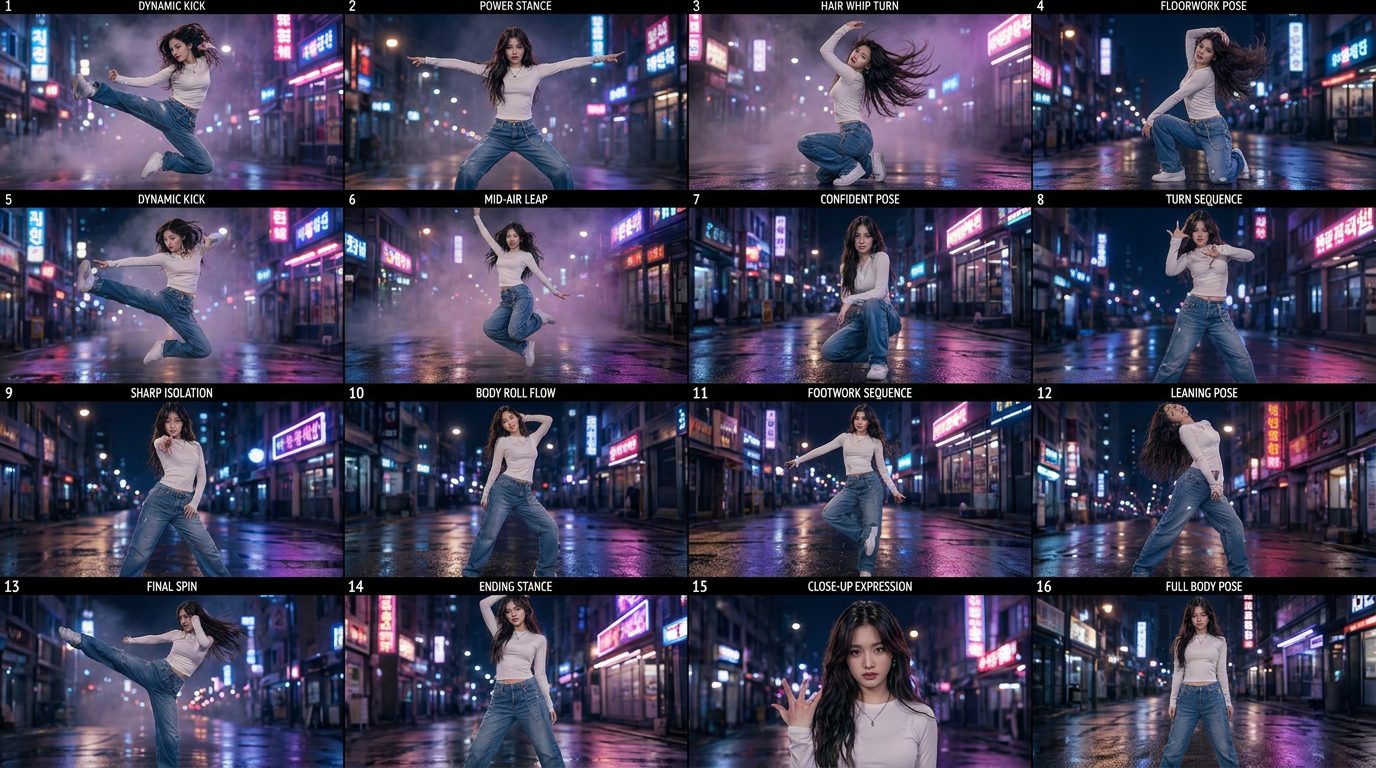
We're all drowning in images now
Making a picture used to cost time and money. Now it costs a sentence. So the bottleneck moved — from making images to seeing the ones you've already made, and most of us are losing good work in the pile.
We built FramePeek because the visuals we cared about — AI frames, real photos, screenshots, references — lived scattered across apps, and judging them meant wanting a wall where everything is in view at once, not a feed.
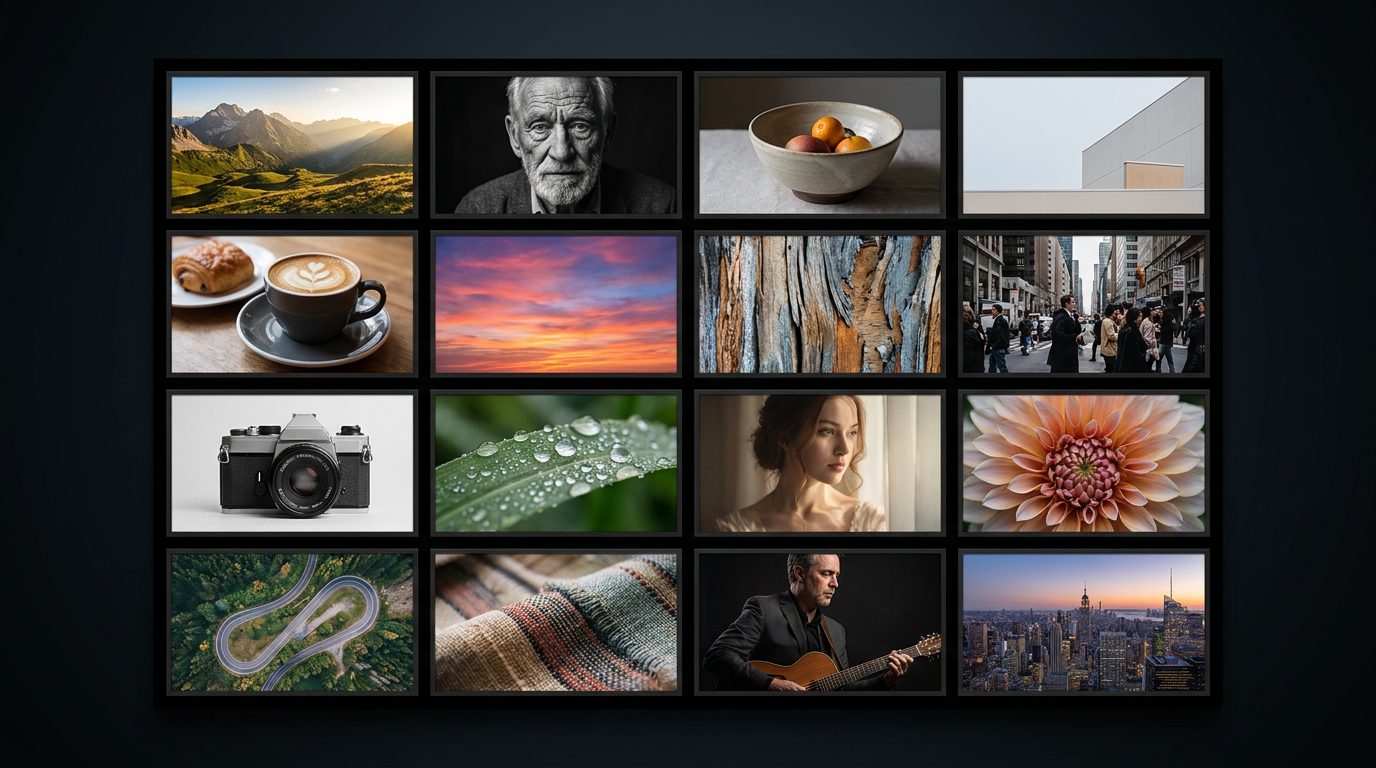
Every tool we used to make visuals was good at making. None of them was good at the moment after — when you have forty things and need to look at all of them and decide. That gap is the whole reason FramePeek exists. This is the thinking behind it, plainly.
Our visuals lived everywhere. Generated frames in the app that made them. Reference shots in the camera roll. Screenshots in a folder. A few finals in a chat thread. To compare two of them you had to remember where each one was and open two different apps. Comparing forty of them was simply not a thing you did — so you didn't, and good work slipped through the cracks.
We didn't want a better generator. There are plenty, and they're getting better without us. We wanted the missing half: a place to see everything at once and judge it.
Two easy roads we turned down.
Not another feed. A feed is designed to keep you scrolling through other people's things forever. The last thing anyone drowning in their own images needs is an algorithm choosing which ones to show them. We wanted the opposite — all of your things, in view, under your control, with nothing deciding the order but you.
Not another promise about who can see your stuff. We're not going to make claims about that. What we will say is simpler and true: your work is yours to arrange, and sharing is something you choose to do, one board at a time, when you decide it's worth showing.
A fast grid. You put your visuals in — generated, shot, screenshotted, saved — and they're all on the wall at once, big enough to judge, close enough to compare. No timeline, no feed, no hunting across apps. Open it and the whole set is just there. Pick the good ones. Line two up against each other. When something's worth sharing, make a link and send it.
That's the whole idea. A room where your visuals are on the wall, so looking and choosing stop being the hard part.
Anyone who works with a lot of images and videos. People making AI art and video are a big part of that — the firehose hits them hardest — but they're not the only ones. Photographers triaging a shoot, designers holding references, anyone whose camera roll became a workspace: same problem, same wall.
It isn't an "AI gallery." It's a place to see visuals — any visuals — fast enough to think clearly about them. If that's a problem you have, we built this for you. Come see everything at once.
FramePeek is a fast grid for seeing all your visuals at once — AI frames, real photos, screenshots and references — so you can compare and choose without hunting across different apps. It's a place to look and decide, not a feed to scroll.
No. It's for anyone working with a lot of images and video. AI creators are a big part of that because the volume hits them hardest, but photographers, designers and anyone whose camera roll became a workspace have the same problem and use it the same way.
There's no algorithm choosing what you see and no endless scroll of other people's posts. It shows your own visuals, all at once, in an order you control, and sharing is something you opt into one board at a time.
Making a picture used to cost time and money. Now it costs a sentence. So the bottleneck moved — from making images to seeing the ones you've already made, and most of us are losing good work in the pile.
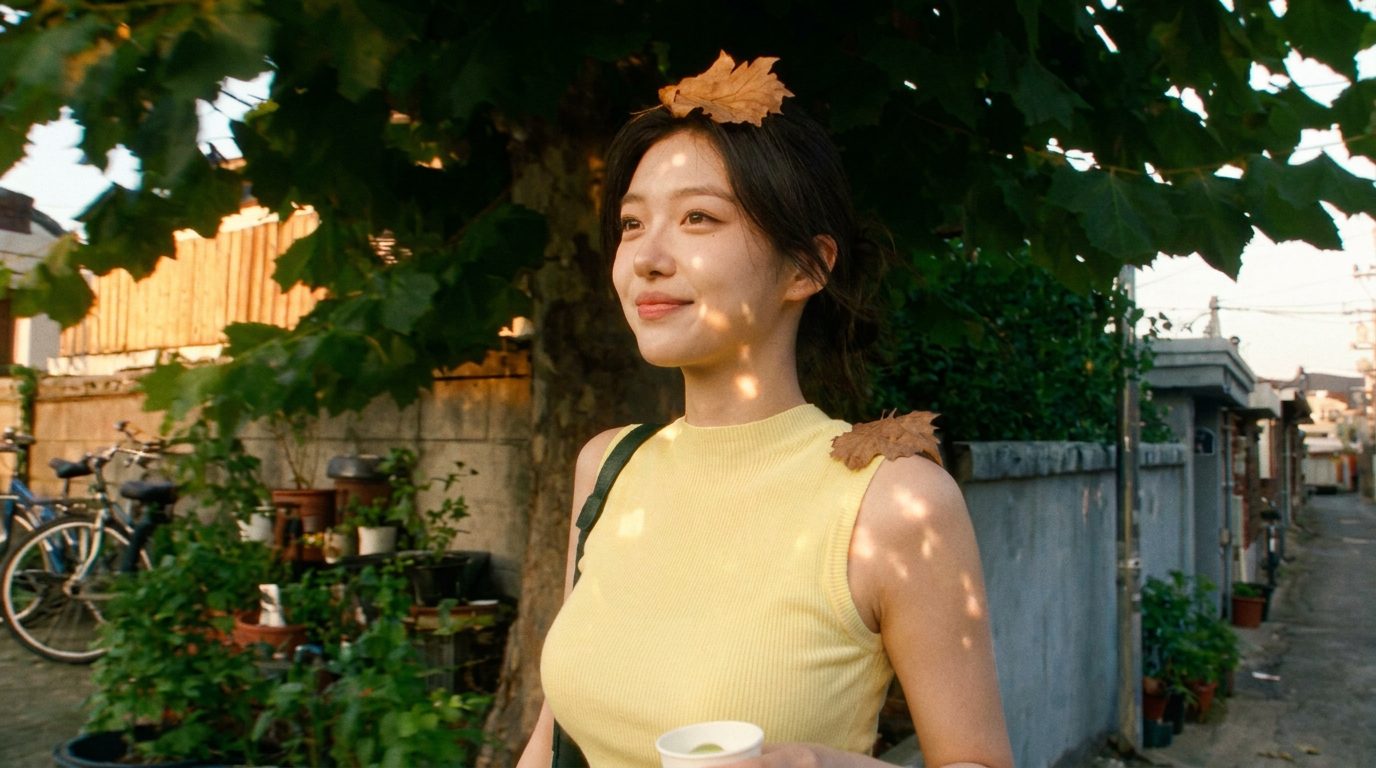
The obvious AI tells — plastic skin, broken hands, light that's too perfect — are mostly gone. What's left are human tells: continuity, timing, and whether a real eye chose the frame.
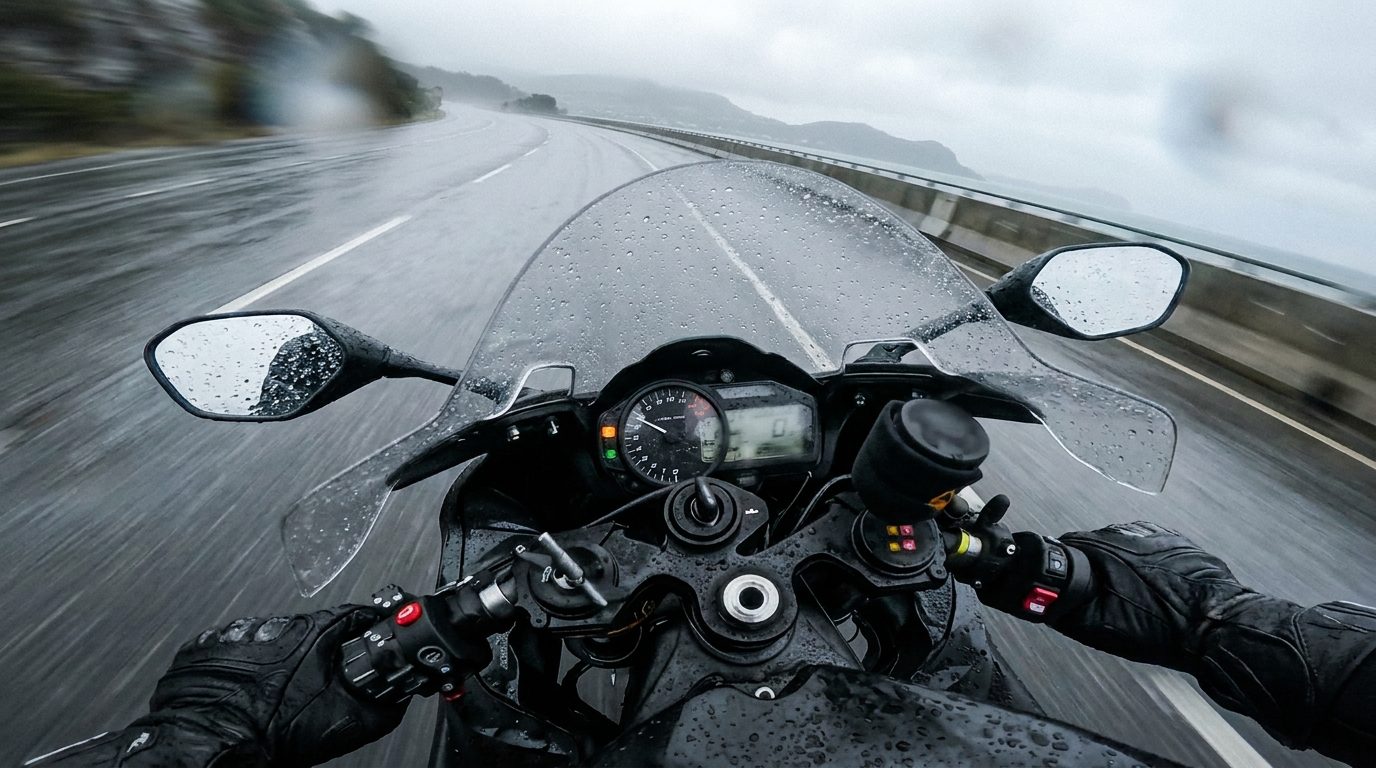
The screenshot quietly became how we save, compare and share visual work — a reference, a receipt, a mood board, a “look at this.” It deserves better than the bottom of a camera roll.