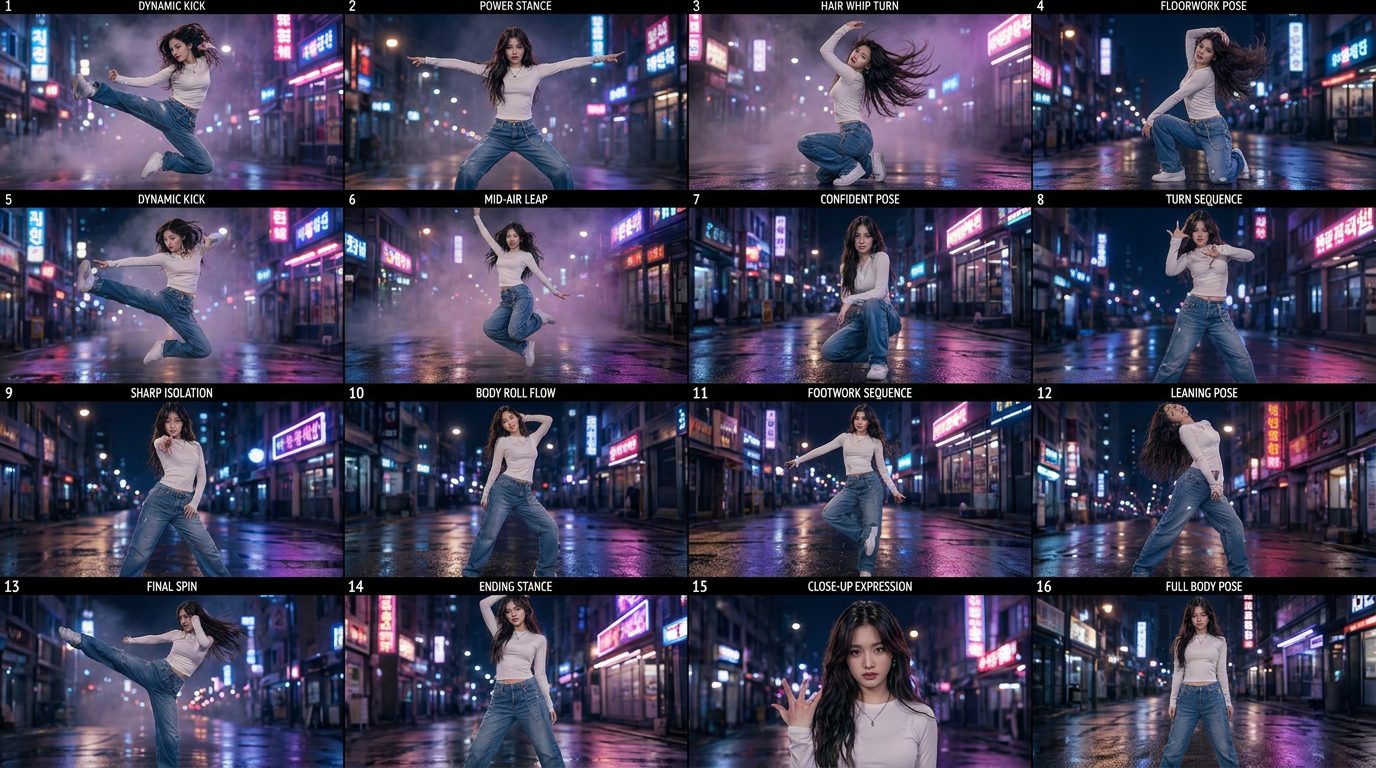
We're all drowning in images now
Making a picture used to cost time and money. Now it costs a sentence. So the bottleneck moved — from making images to seeing the ones you've already made, and most of us are losing good work in the pile.
The screenshot quietly became how we save, compare and share visual work — a reference, a receipt, a mood board, a “look at this.” It deserves better than the bottom of a camera roll.
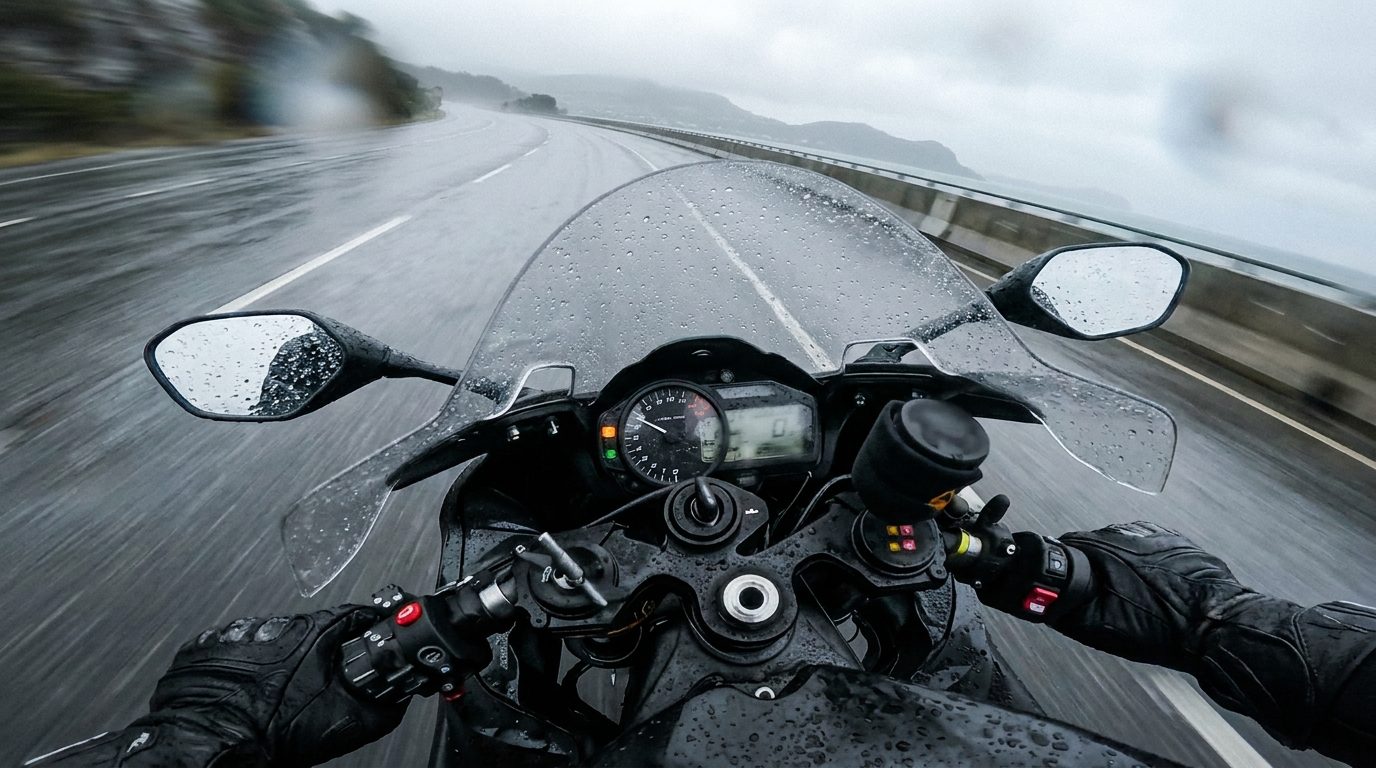
Look at your camera roll. Not the photos — the screenshots. There are hundreds. A prompt that worked. An output you liked. A reference from someone else's post. A UI you want to remember. A frame you grabbed because it was almost right and you'll fix it later.
The screenshot stopped being a throwaway a while ago. For a lot of us it became the main way we hold visual thinking. And we're still treating it like lint.
We tend to file screenshots under "clutter." But watch what you actually screenshot and it's clearly not noise — it's decisions. You grabbed that frame because it mattered to you for a second. The reference you saved is a direction you're considering. The output you kept is a candidate. The prompt you captured is a recipe you intend to reuse.
Every one of them is a small note to your future self: this is worth coming back to. That's not clutter. That's the beginning of a project, scattered into a thousand little image-files.
The trouble is they all land in the same place as every photo you've ever taken — the grocery list, the parking spot, the dog — sorted by nothing but time. A screenshot is a decision, but the camera roll treats it exactly like a receipt. So it sinks. By the time you want the reference again, it's three thousand images deep, and you make a new one instead.
And it's not only generated images. It's real photos, product shots, moodboard clippings, a diagram, a design someone shared. The modern visual workflow is mixed — AI frames next to phone photos next to screenshots — and no tool really holds all of it together as one working set.
What we kept wanting was dumb and specific: take the images that are actually decisions — generated or shot or grabbed — and put them somewhere you can see them together. Not a timeline. Not buried in an app that made them. A board. Big enough to judge, side by side, so comparing two references is a glance instead of a scroll.
The screenshot earned a promotion. It's doing real work in how we think and make and share. It's time it got a place to live that isn't the junk drawer.
Most screenshots are decisions, not clutter — a prompt that worked, a reference, a candidate output, a look you want to remember. They get lost because the camera roll sorts them by time alongside every other photo. The fix is to pull the ones that matter into a board where you can see them together.
Yes. The modern visual workflow is mixed — AI frames next to phone photos next to screenshots and clippings — and the useful thing is holding all of it as one working set you can view and compare at once, regardless of where each image came from.
Making a picture used to cost time and money. Now it costs a sentence. So the bottleneck moved — from making images to seeing the ones you've already made, and most of us are losing good work in the pile.

The obvious AI tells — plastic skin, broken hands, light that's too perfect — are mostly gone. What's left are human tells: continuity, timing, and whether a real eye chose the frame.
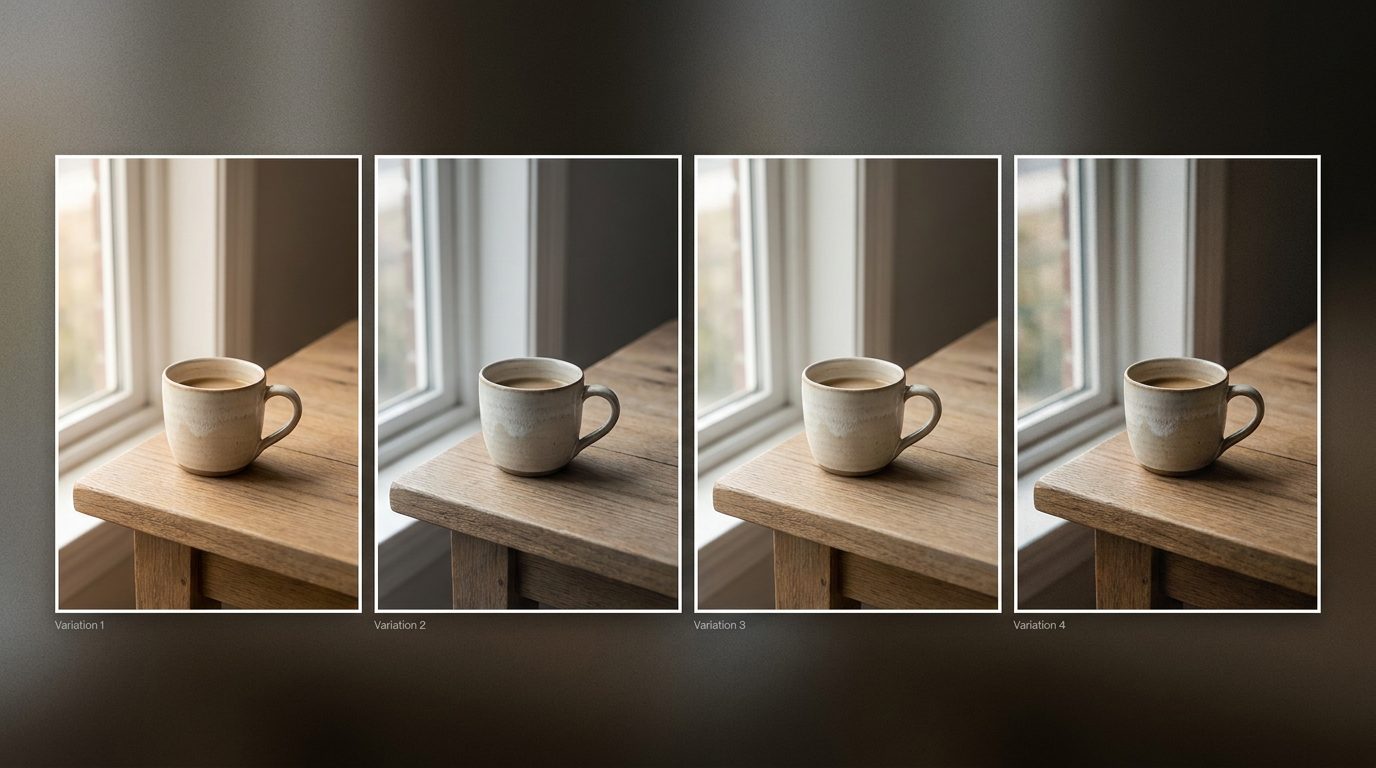
When anyone can generate a hundred options, the scarce skill is no longer making — it's choosing. And choosing well means seeing the options together, not one swipe at a time.